10 Time-Saving Filmmaking Tips with the RED Komodo X
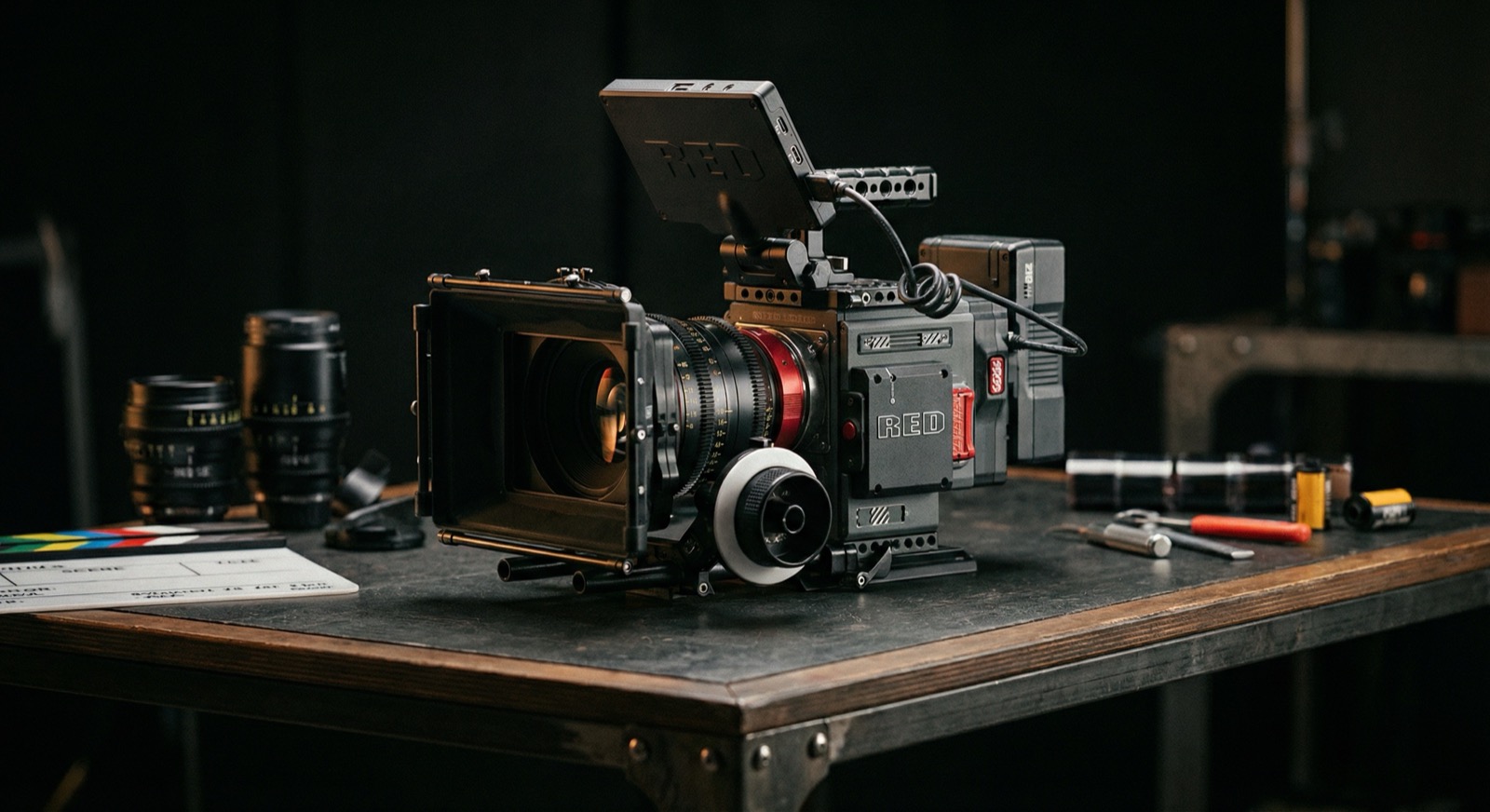
Filmmakers grab the RED Komodo X because it keeps the Komodo form factor but adds the horsepower of RED’s DSMC3 brains—global shutter, better cooling, ProRes, more I/O, and a locking RF mount that doesn’t twist under cine glass. To keep crews moving, every menu, preset, and accessory choice has to earn back minutes on set. These ten tactics are the moves we lean on when the Komodo X needs to stay nimble without compromising that RED latitude.
1. Stage presets around REDCODE + ProRes pairings
The Komodo X can record REDCODE RAW and ProRes simultaneously, so build presets that lock in both the resolution/compression and the proxy flavor your editor expects. For example, create a 6K RAW HQ + 4K ProRes 422 preset for hero coverage and a 5K RAW MQ + 2K ProRes LT preset for gimbal work. One toggle loads matching white balance, monitor LUTs, and clip naming so the camera team never re-enters the same metadata twice.
2. Use global shutter as your “fix it in pre” button
Because every frame is captured with a global readout, Komodo X doesn’t skew on whip pans, drones, or LED-heavy stages. That means fewer roto fixes, no rolling-shutter correction passes, and cleaner VFX plates—all of which save hours in finishing. When you’re blocking action, remind operators they can lean into aggressive moves without creating extra post tickets.
3. Color-code media by task
CFexpress Type B cards are hot-swappable and affordable enough to dedicate per department. We label silver cards for A-cam RAW, black cards for gimbal/ProRes duty, and red cards for slow motion. ACs know exactly which codec combo is parked on each card, and the DIT trims hand-off time because the filenames and color labels already match the shuttle drive folders.
4. Map hot-swap power to eliminate cold boots
Pair the locking RF mount with a back-mounted hot-swap plate (Core SWX or Bebob) and keep DC-in connected to block batteries on studio builds. With the Komodo X’s faster boot time you’re only losing seconds, but avoiding a full power cycle during lens swaps or Steadicam moves removes the risk of corrupting takes and keeps video village live.
5. Pre-wire the expanded I/O
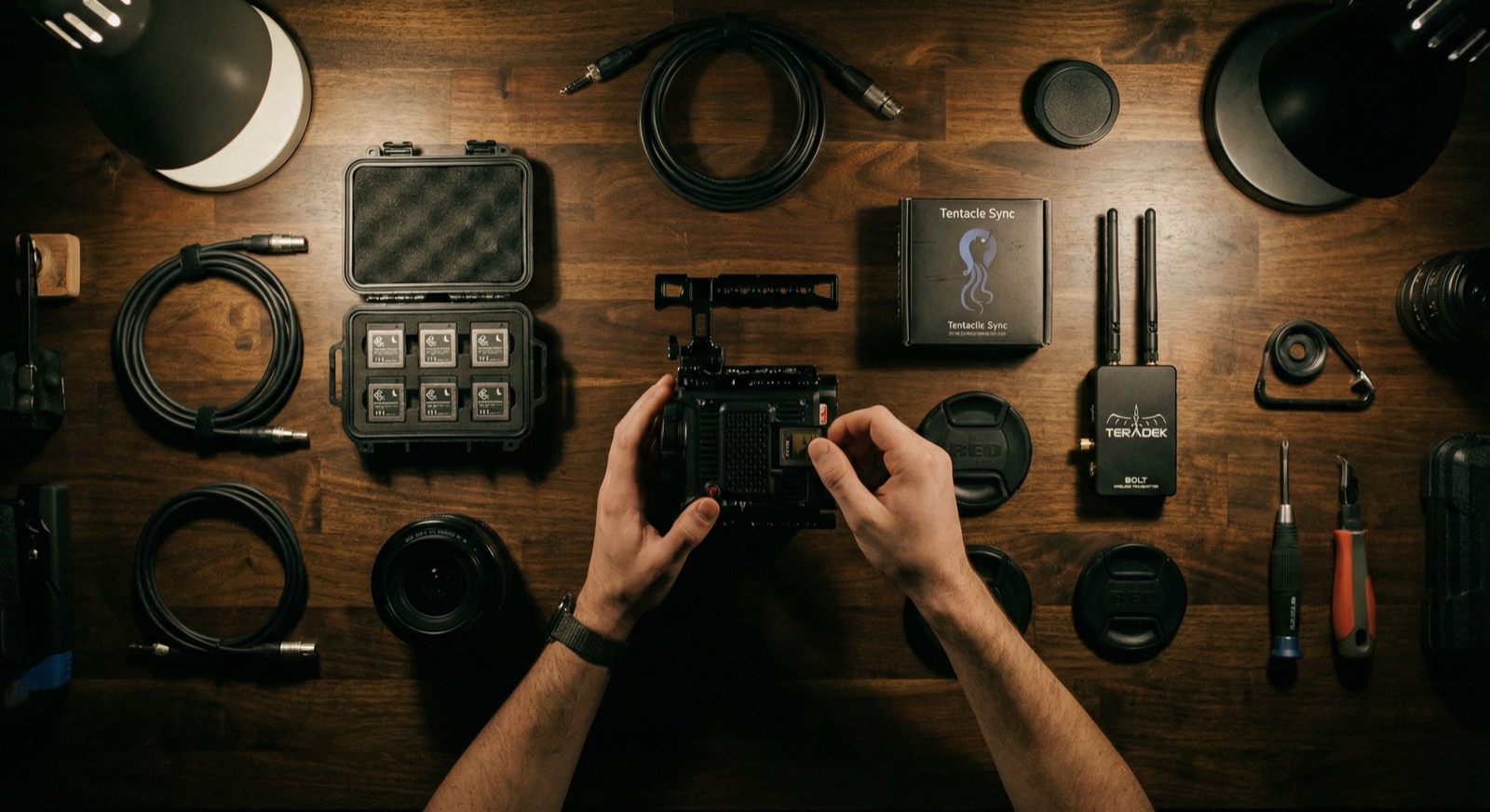
Run LTC, genlock, and 12G-SDI cables once at call time and leave short pigtails tied to the cage. The side panel provides two SDI outs plus timecode, so sound, HDR village, and VTR can tap in without bugging camera. When a director calls for instant sync slate playback, you plug in rather than re-rig.
6. Bake SmallHD PageOS looks into Komodo LUT slots
Load your show LUTs or SmallHD calibration LUTs into the Komodo X and store them as user LUT 1–4. That lets you match the on-camera monitor to every remote monitor without emailing LUT packs mid-shoot. When footage hits the timeline, the metadata already notes which LUT the DP approved, so color gets context immediately.
7. Harness Wi-Fi/Ethernet control for remote pre-light
Enable RED Control Pro over Wi-Fi or plug an Ethernet run into video village. The DIT can roll, change resolution, or pull metadata while the camera stays in rigging on a crane. Pre-light teams can feed video village without climbing up to the head, shrinking the window between blocking and “roll sound.”
8. Lean on phase-detect autofocus for safety takes
Komodo X finally gets usable phase-detect AF. Assign Push AF to the lens control ring or a Smart Handle button so operators can grab a quick, confident take after a manual pull. When schedules compress, that safety take has saved more pickups than we care to admit.
9. Stock a “stunt” compression preset for high-speed
Keep a preset that flips to 6K 80 fps or 4K 120 fps with a lighter REDCODE compression (like HQ to MQ) so you stay within the same data footprint. With that shortcut, the operator only rides the frame-rate menu, not the entire project settings stack, and BTS editors still get ProRes proxies that match.
10. Tag clips with clip notes before the card leaves set
Use the on-body clip list or the RED Control app to add circle takes, lens notes, or “send to VFX” tags on the card. Those notes ride into RED Player, allowing post teams to filter instantly. Zero extra spreadsheets, zero guesswork.
Watch: What Makes the RED Komodo X So Fantastic?
Ready to move faster with Komodo X?
Need a team that already has RED workflows dialed? JP Filmz can crew, rig, and post your next shoot without reinventing the wheel. Drop us a production request and we’ll build a Komodo X package that’s ready the moment you walk on set.
